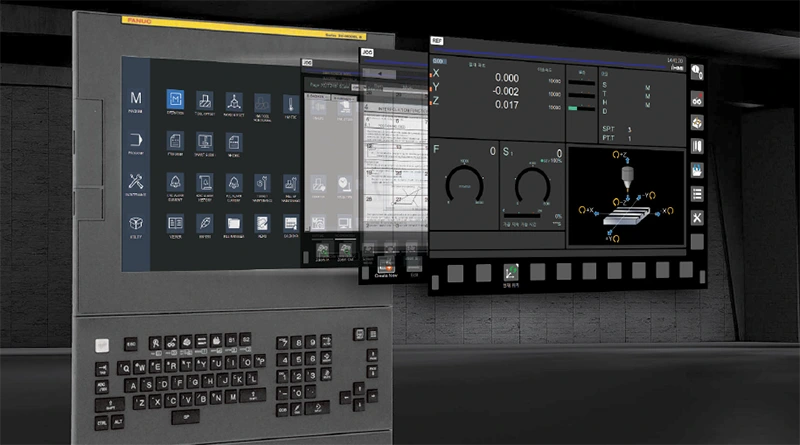

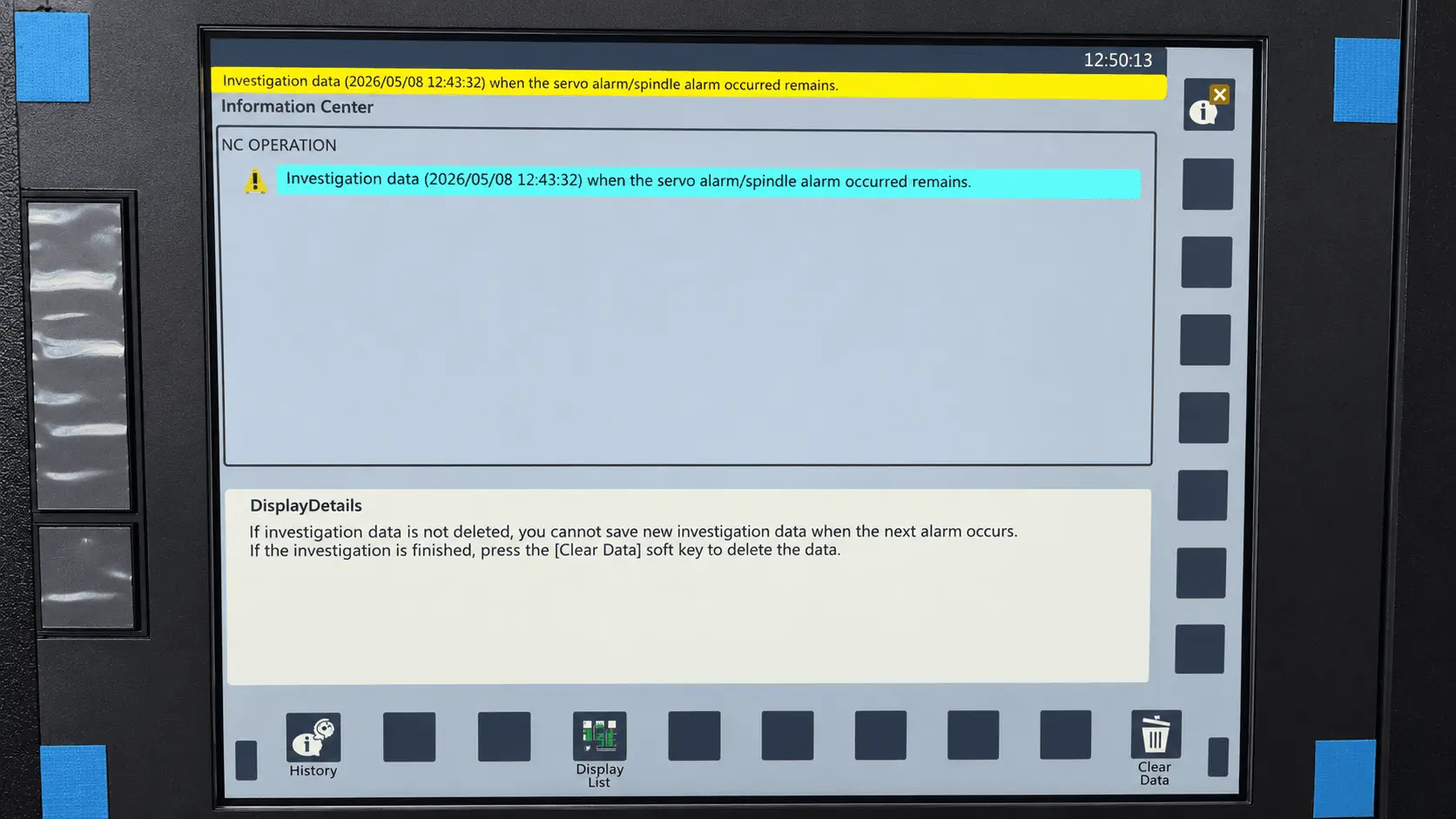
A message on the control panel is not a complete diagnosis but a starting point for identifying the cause. CNC errors may be accompanied by a program stop, disabled axis movement, drive inhibition or shutdown, or a message indicating that a required start condition has not been met. The text displayed on the screen may point to a specific component or condition, but it does not always identify the root cause of the fault.
Before resetting the message, the operator should record the initial information:
- the alarm number and full message text;
- the operation and mode in which the fault occurred;
- the axis positions and active program;
- a photo clearly showing the display;
- the condition of the machine before the stop.
This record simplifies further analysis and helps relate the alarm to the conditions under which it occurred. If an emergency stop or safety circuit has been activated, the cause of the activation must first be identified and eliminated in accordance with the equipment manufacturer's documentation. Operation should only be resumed after the prescribed recovery procedure has been completed.
Types of CNC, drive, PLC, and peripheral errors
CNC machine errors cannot be reduced to a single category. The machine manufacturer integrates the control system into a specific machine design and configures PLC/PMC logic, interlocks, signals, and auxiliary mechanisms. Therefore, the source and meaning of an alarm message should be determined using the documentation for the specific machine model and installed CNC system.
Alarm messages can be broadly divided into several groups:
- system and program-related — associated with NC functions, system parameters, execution of the CNC program, or internal CNC functions;
- drive-related — associated with axis servo drives, the spindle, encoders, feedback systems, and data communication;
- machine-specific — generated by PLC/PMC logic when a required condition, interlock, or equipment signal is not satisfied;
- peripheral — related to feeding devices, chip conveyors, coolant systems, measuring systems, and other auxiliary equipment;
- operator-related — generated when the required sequence of actions or the conditions for starting an operation have not been fulfilled.
Signals from different groups may produce a similar machine response, such as a program stop, inhibited movement, or inability to start a cycle. The available alarm messages are also affected by the machine's main assemblies, installed options, and auxiliary equipment.
Why a universal alarm code table does not work for every machine
CNC error codes depend on the machine model, installed control system, its series and version, software configuration, PLC/PMC logic, and available options. Even two machines equipped with the same CNC system may use different alarm designations if their design, configuration, or machine-builder logic differs.
Siemens SINUMERIK documentation, for example, separates messages according to different subsystems and sources, including NC, cycles, HMI, drives, I/O, and PLC. Some PLC messages are defined by the machine manufacturer and depend on the specific machine configuration. For this reason, alarm interpretation should begin with the documentation for the actual machine model and installed CNC system rather than with a universal code table.
This is especially important for machines with a large number of controlled assemblies and auxiliary systems. The categories 5-axis turn-mill machines, vertical drilling and milling centers, and 5-axis milling machines may include equipment with different drives, additional axes, sensors, safety systems, and peripherals. Therefore, the same alarm explanation should not be transferred from one model to another without checking the relevant documentation.
How to identify the cause of an alarm message
The first source should be the operating manual for the specific machine and the documentation for the installed control system. In the Alarm, Troubleshooting, or Diagnostics sections, check the alarm number and text, the conditions under which it appears, possible causes, and the actions permitted by the manufacturer.
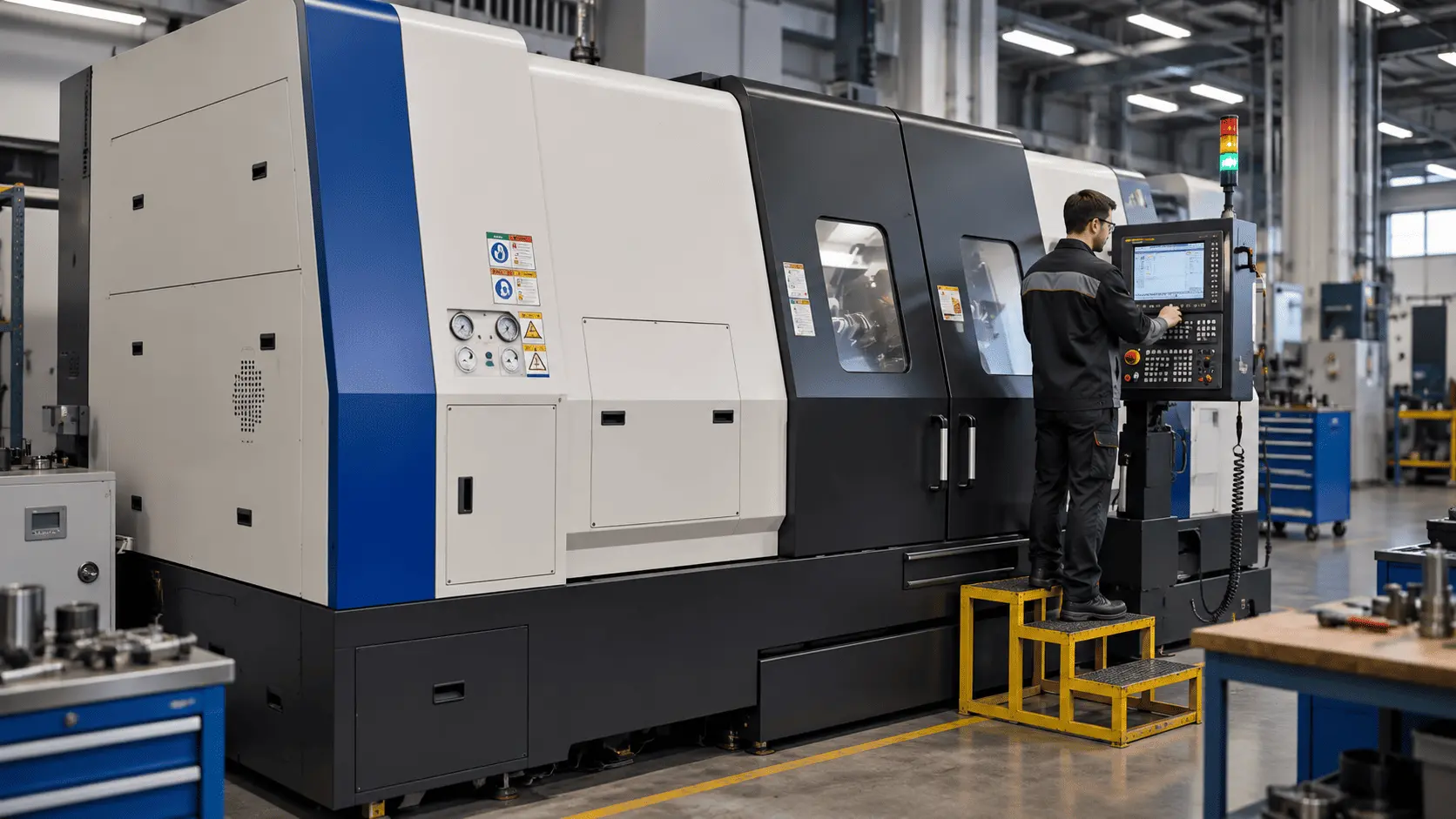
A typical checking sequence may be as follows:
- Record the message and the circumstances in which it appeared.
- Find the alarm description for the specific machine model and CNC system version.
- Check the conditions that are accessible to the operator and explicitly specified in the manufacturer's documentation.
- Perform the prescribed test if it is described in the manual and does not require service-level access.
- If the alarm recurs or the cause cannot be identified through the prescribed checks, provide the collected information to the technical service team.
This type of diagnostics helps avoid replacing parts and assemblies at random. If further checks require access to drive modules, safety circuits, electrical equipment, system parameters, or PLC/PMC functions, the work should be performed by a qualified specialist.
When a service specialist is required
System or service parameters should not be changed, safety interlocks bypassed, or the PLC/PMC program edited without the appropriate authorization and service documentation. The same applies when troubleshooting or repair requires electronic components to be removed or drive components to be replaced.
Cases in which software was updated, firmware was changed, or the equipment configuration was modified before the alarm appeared require separate investigation. Possible version incompatibility should be evaluated using the manufacturer's documentation and the history of the changes performed rather than by experimenting with parameter settings.
If the problem appeared after the equipment was relocated, transportation itself is not a diagnosis. The service team needs to know what work was performed before restart, which connections or settings were changed, and what checks were completed after installation. This helps them systematically verify the inspection points specified by the manufacturer.
How to reduce the risk of repeated stops
Preventive maintenance is based on following the maintenance requirements for the specific equipment. Stable operation is affected by production conditions, contamination, maintenance quality, compliance with specified settings and operating conditions, and the natural wear of components.
A maintenance schedule may include:
- inspections at intervals specified by the manufacturer;
- checks of operating fluids, filters, and the lubrication system;
- inspection of sensors and safety devices according to the prescribed procedures;
- a log of recurring alarm messages and the actions taken;
- contacting service personnel when diagnostics require access to protected settings or service functions.
Maintenance rules depend on the machine model, configuration, and operating conditions. An important factor is an accurate event history: it helps relate a message to the conditions under which it occurred and identify recurring causes of machine stops.
Correct operation and timely maintenance reduce the risk of unplanned downtime, but each alarm should still be analyzed using the documentation for the specific machine. The specialists of TECHNICAL CLUSTER LLC, the official representative of WIA Machine Tools in Ukraine, support equipment from selection and commissioning through technical support and service.